Remote monitoring for heat pumps.
Vadus reads NIBE S-series heat pumps, keeps the history of every measurement and lets settings be changed remotely.
Vadus reads the pump on the local network and sends the data to a server.
The state of an installation can be checked without a site visit.
Fleet
The list of systems
For each system: whether it is sending data, whether it has an open fault, and when it last reported.
An installer sees only the systems assigned to them.

Alerts
Email notifications
The server checks every system regularly. When a system stops sending data an email goes out, and when it comes back, a second one. If a problem stays open, a summary follows the next morning.
On days when nothing happens, no email is sent. Emails go to the installer assigned to the system.


The device
30 × 60 × 12 mm
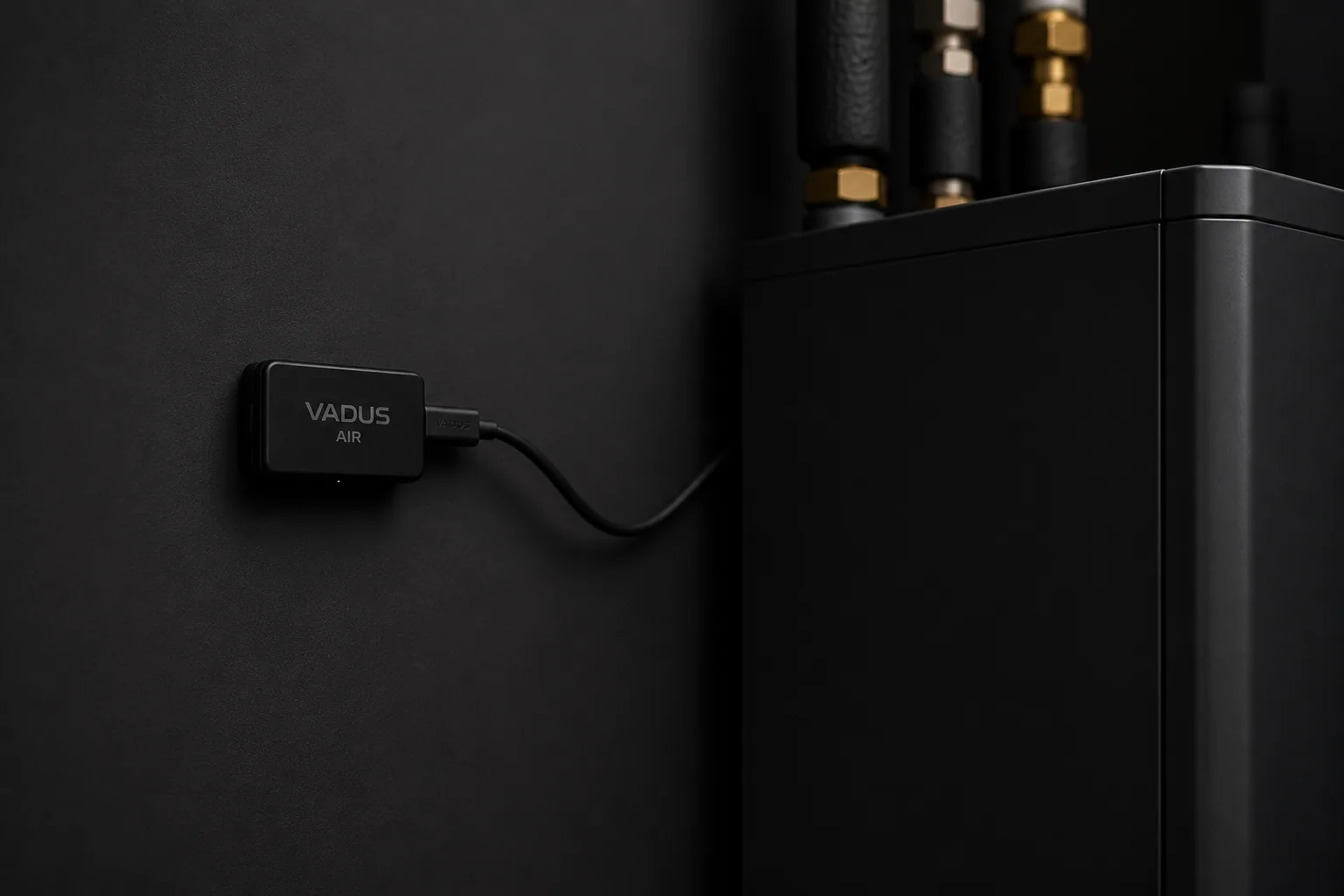
Vadus Air goes anywhere in the house, on the same network as the pump. It has a single cable, and no screen or buttons.
It finds the pump on the local network. Its firmware updates itself.
What is read
30 sbetween two readings79 values read from the pump
Temperatures, power and current, energy and hour counters, compressor frequency, operating states.
A value that is missing is shown as missing. It is never filled in by interpolating between two readings.
- 32temperatures
- 22operating values
- 8power and current
- 6hour counters
- 6energy counters
- 5states and modes


Network
The connection
No VPN, no ports opened on the router. Vadus Air opens the connection to the server itself, with a token of its own, and picks up commands each time it checks in.
If the internet, the Wi-Fi, Vadus Air or the Vadus server stops working, the pump carries on working normally.
History is kept on the server
Measurements are stored on the server, not on the device. When the device is replaced, the installation's history stays as it was.
If the connection drops, Vadus Air keeps about three days of readings and sends them once it is back. The database is backed up daily.

Settings
Settings that can be changed remotely
The heating curve, supply temperatures, hot water stop, immersion heater power. Today 14 settings can be changed; every other value is read only.
Every command is checked against the setting's limits, sent to the pump, and marked as applied only once the value has been read back from the pump.


For installers
Looking after many installations
- Every assigned installation, in a single list.
- An email when a system stops sending data, and when it comes back.
- An installation's history, available before the visit.
- Settings changed remotely, with a log.
For homeowners
The homeowner's app
- What the pump is doing now, and today's consumption.
- Consumption by day and by month.
- The installer can step in remotely.
- The home network is never opened to the internet.

Contact
Availability
Vadus is in development and is being tested directly with installers. To start a conversation, send the number of installations and the pump models.